XTREAM CODES EDITOR
Edit IPTV Playlists with Xtream Codes
Use Username, Password and Host URL to open an authorized playlist in Editortvpluspanels. The same workspace then lets you review categories, open content, save changes and export the edited playlist.
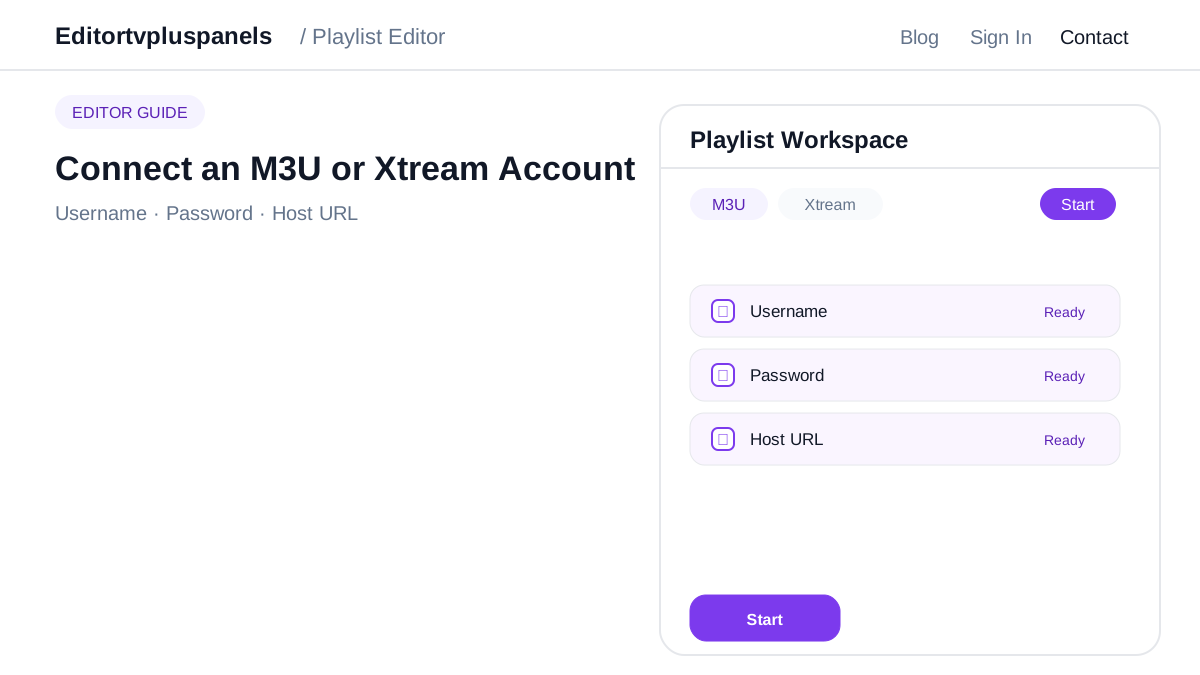
1. Username
Enter the authorized playlist username exactly as supplied.
2. Password
Use the matching playlist password and check for extra spaces.
3. Host URL
Enter the complete Host URL, then press Start to prepare the editor session.
What happens after Start?
The editor prepares the playlist session and loads the workspace. Work through Live TV, Movies and Series, open individual categories, review content and save each set of changes before export.