CONTENT MANAGEMENT GUIDE
Select, Hide and Review IPTV Content
Manage IPTV content inside the current playlist session by opening categories, reviewing individual items, changing selection states and saving each content group before moving on.
Open Content
Choose Open Content on a category to load its channels, movies or series items for review.
Select or hide items
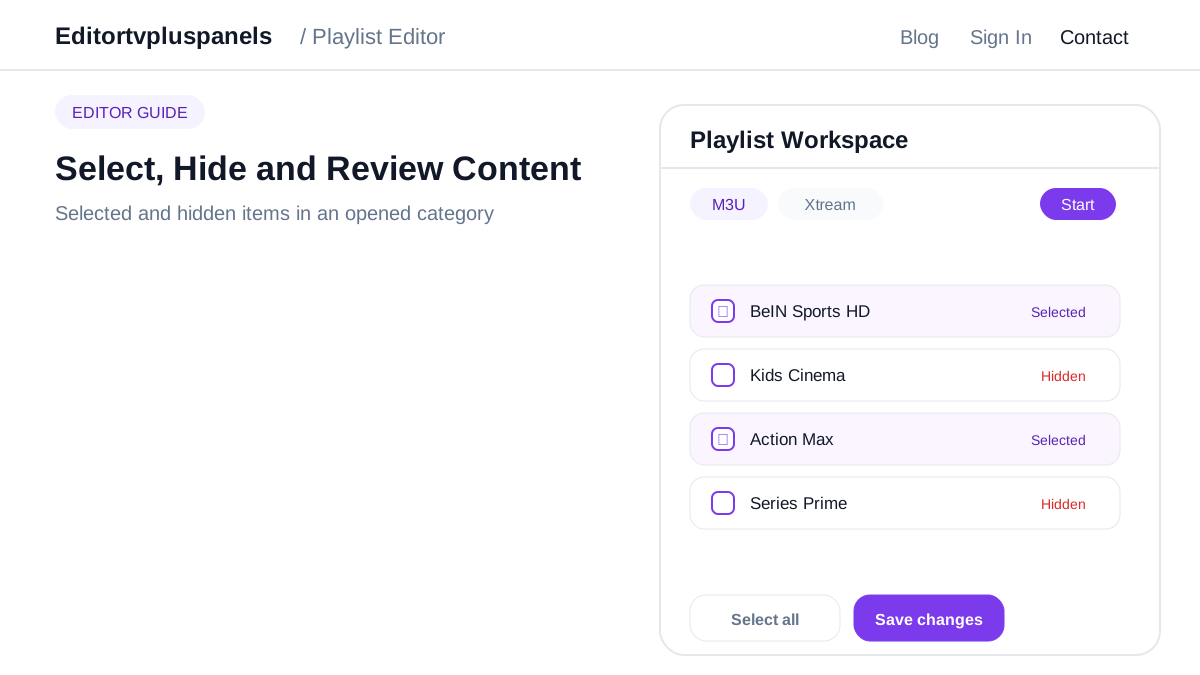
Keep required items selected and unselect unwanted content. Use Select all only when the complete opened group should remain active.
Review visible states
Check selected and hidden rows before leaving the category so the intended playlist selection is clear.
Save each content group
Use Save changes after individual content edits, then continue to the next category or content type.