M3U EDITOR GUIDE
Edit IPTV Playlists with the Editortvpluspanels M3U Editor
Connect an authorized M3U playlist, open the playlist workspace, review IPTV categories and individual content, save selected changes and export the edited M3U when the playlist is ready.
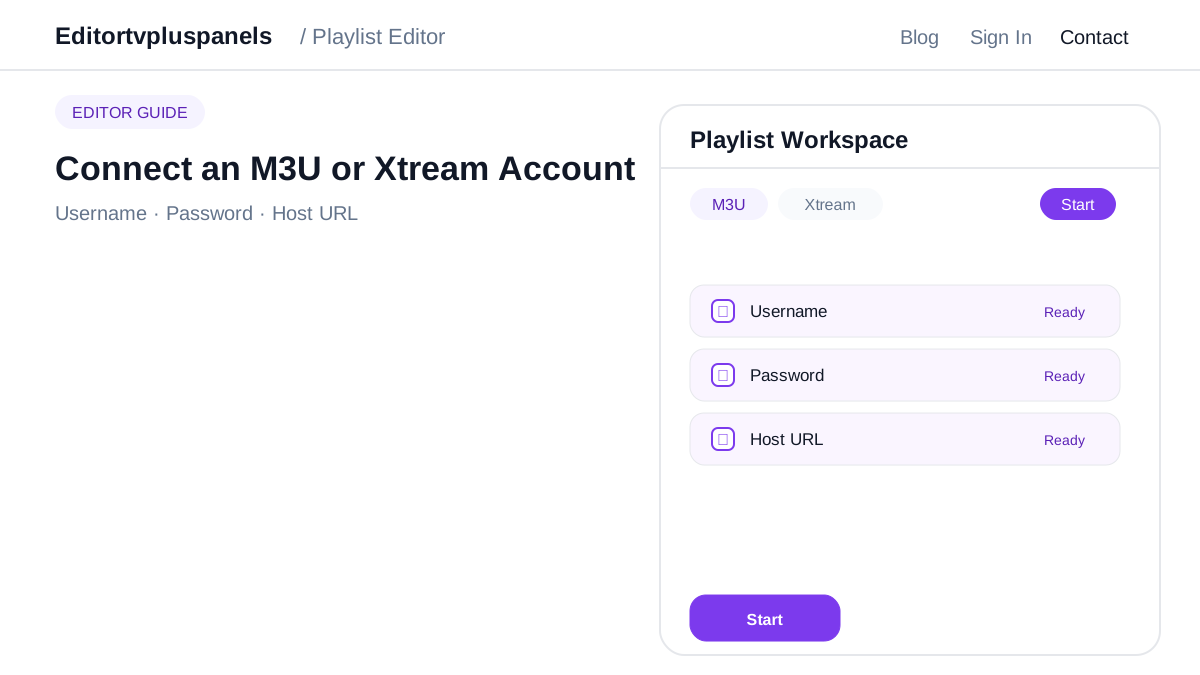
Connect a valid M3U URL
Use the M3U tab, paste the complete authorized playlist URL and press Start. The editor prepares the playlist session before loading categories and content.
Review categories and content
Work through Live TV, Movies and Series. Open a category to inspect items, change selection states and keep the playlist focused on the content that matters.
Save changes carefully
Save category or content edits before moving to another part of the playlist. This keeps the editing workflow clear and easier to review.
Export the edited M3U
After the final review, use Export M3U for the current saved playlist selection. Export is the final step after editing and review.